How to Prevent Double Bookings using
Event Management Software

The most significant risk to any venue's reputation is a scheduling conflict. When using manual systems, the chance of a double booking increases exponentially with every new lead. High-performance event management software solves this problem through Advanced Double Booking Protection Features.

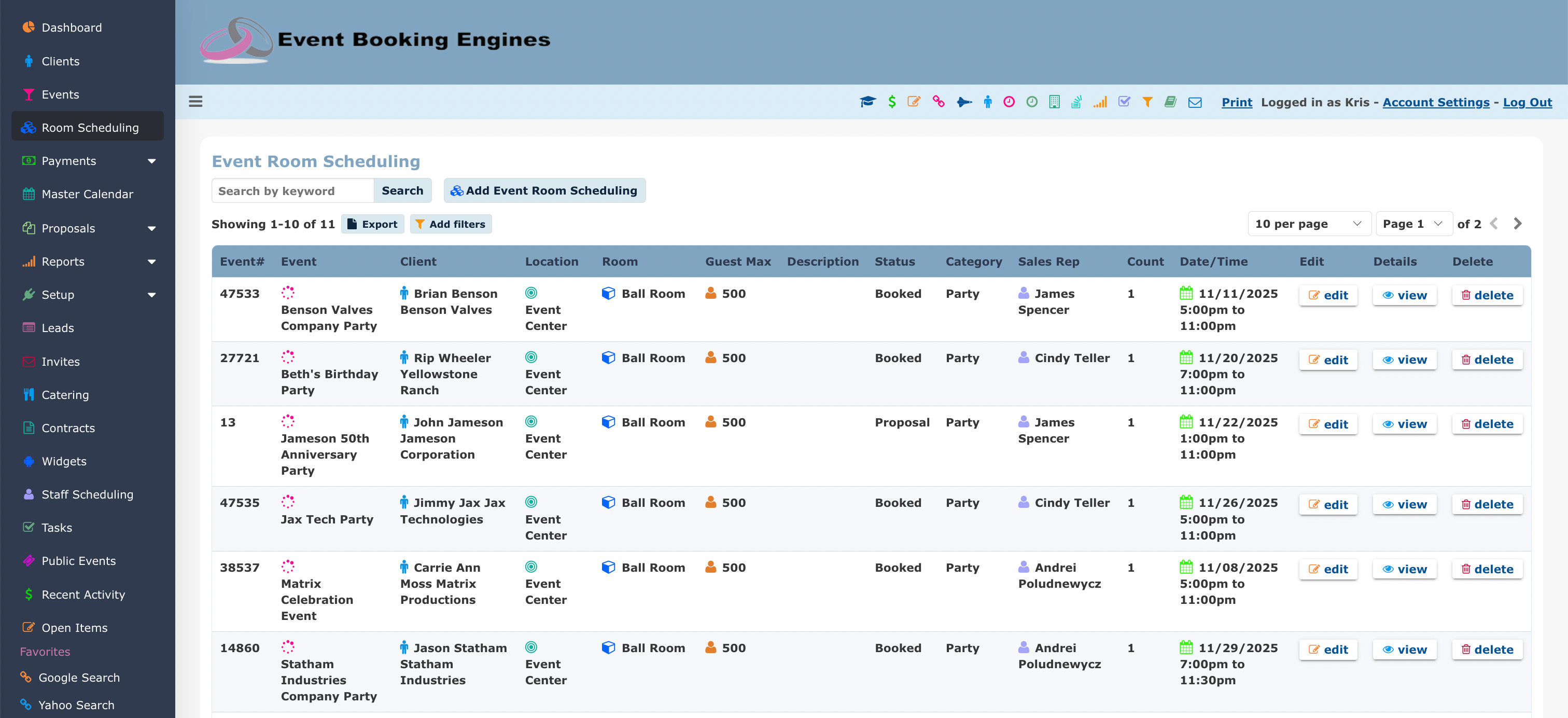
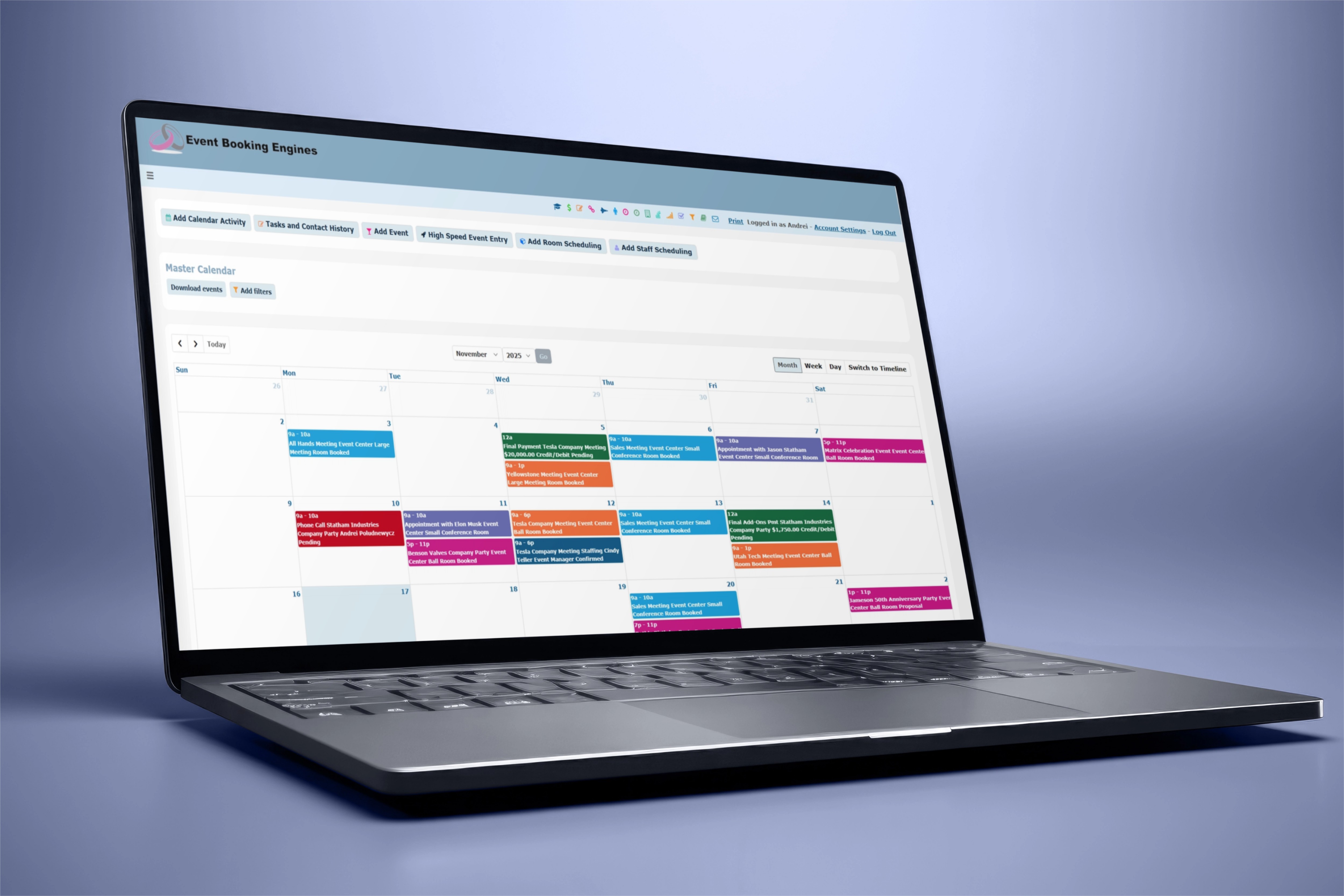
Event Booking Engines features a Master Calendar that acts as the single source of truth. By utilizing real-time Duplicate Booking Protection, the system identifies conflicts at the moment of room scheduling entry, not after the contract is signed.

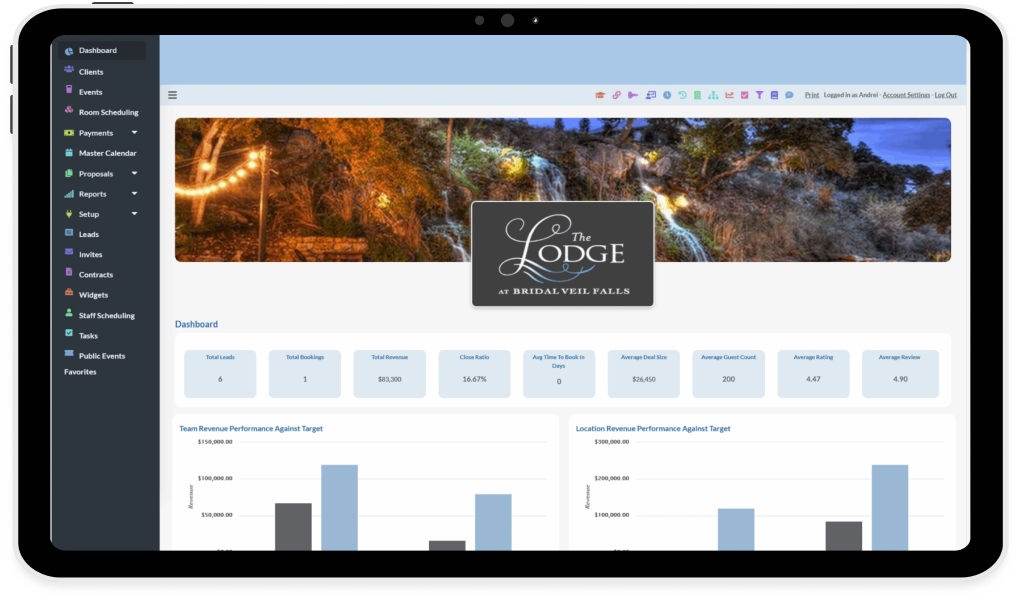
Managing operations across expanding venues or multi-location hospitality groups requires an infrastructure built to eliminate friction. Modern venue groups frequently struggle with fragmented data, where sales pipelines, contract executions, and kitchen BEOs exist in separate silos.
master calendar
  • event booking icon
    Multi-Location Calendar Sync Automatically synchronize events across Google, Outlook, Apple, Exchange, Office 365, VRBO, and Airbnb Calendars.
  • Room & Area Scheduling icon
    Location, Room & Area Scheduling Schedule specific areas or rooms with granular control, ensuring no two events overlap time in the same physical space.
  • Automated Conflict Alerts Icon
    Automated Conflict Alerts The system flags potential time overlaps and conflicts online immediately during room/area scheduling, allowing your team to make adjustments before the event is booked.

FAQ: Master Calendar & Scheduling Logic

The platform displays all potential conflicts regardless of status in order to be safe.

Yes. Our automated calendar sync ensures that all events and room/area schedulings will display on your personal calendar.

Our Duplicate Booking Protection feature uses database-level millisecond locks. The first user to click "Submit" secures the slot, and the second user receives an immediate notification that the space is no longer available.

Absolutely. You can set user defined Setup and Breakdown times (e.g., 60 minutes) to ensure your team has time to clean and reset a room before the next event begins.

Yes. You can track different capacities and setup requirements for a single space, ensuring you don't overbook based on the specific layout requested (e.g., theater style vs. banquet).

Future of Event Booking

Unlock the Future of Event Management

Don't just book events—optimize them. Partner with the platform that delivers a true technological advantage for modern hospitality operations.

Request a Demo
Event Booking Engines team cheering and celebrating success together in an open office space.

Request More Info


Event Booking Engines provides a complete Venue Management and Event Booking CRM Platform loaded with features, automations and website plugins to save you time, increase sales and reduce cost.

AI Assistant